 Jake Moran@jake11moran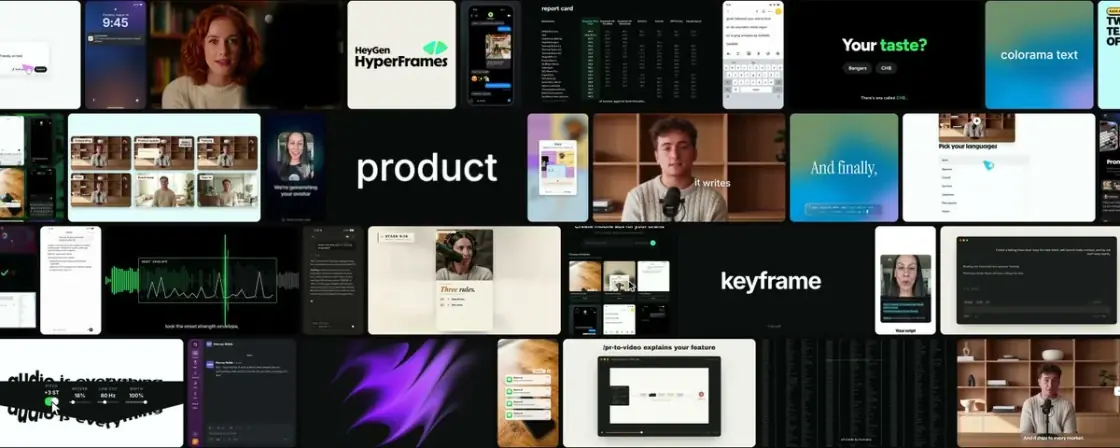
How I make launch videos with AI
No matches
Propose five story angles from this context, then turn the selected angle into a scene-by-scene storyboard.
Jake Moran@jake11moranHow I make launch videos with AI
Media saved
Then I ask the agent to build one still frame per scene and lay them out in a grid - a contact sheet, basically a page of thumbnails, one for each row of the table.
Approve the visual sequence before spending time on motion.
The rule I push hardest: everything on screen is real UI. Anyone who uses the product knows what it looks like, and an invented button breaks it for all of them.
Real product details make the video credible to existing users.
A HyperFrames video is a folder of HTML files, so once a scene works, you can reuse it in the next video.
Working scenes become reusable launch-video templates.
I've generated 20M+ views from videos made using HyperFrames. Here's how I start every launch video project. dump context and ideas, storyboard, animate. So what is HyperFrames? HyperFrames is an open source framework that turns HTML into video.